



Executive Brief
Website Analytics Setup: The Key to Data-Driven Insights
Setting up a reliable website analytics system isn't just a technical necessity—it's a strategic advantage. With tools like Google Analytics 4 (GA4), businesses can track user interactions, set clear conversion goals, and analyze critical metrics. This setup is essential for making informed decisions and optimizing digital strategies.
Understanding the Foundation
Every effective website analytics setup begins with the right tools. Google Analytics 4 offers robust capabilities to collect and interpret data. Unlike previous versions, GA4 provides event-based tracking, allowing for comprehensive analysis of user interactions.
Key Features of GA4:
-
Event-Based Tracking: Focuses on specific user actions.
-
Cross-Platform Tracking: Consolidates data from both web and app sources.
-
Enhanced User Privacy: Designed with user data privacy in mind.
Understanding these features ensures that business owners can choose the right metrics to monitor and understand the behavior of their audience effectively.
Start with a Strategy
Before diving into analytics, it's crucial to define what success looks like for your business. Are you looking to increase sales, boost engagement, or reduce bounce rates?
Steps to Define Your Strategy:
- Identify Key Objectives: What are your primary business goals?
- Establish KPIs: What metrics will indicate progress towards these goals?
- Map User Journeys: How do you expect users to interact with your site?
Aligning your analytics setup with business objectives ensures that every data point collected serves a purpose in achieving your goals.
Setting Up Google Analytics 4
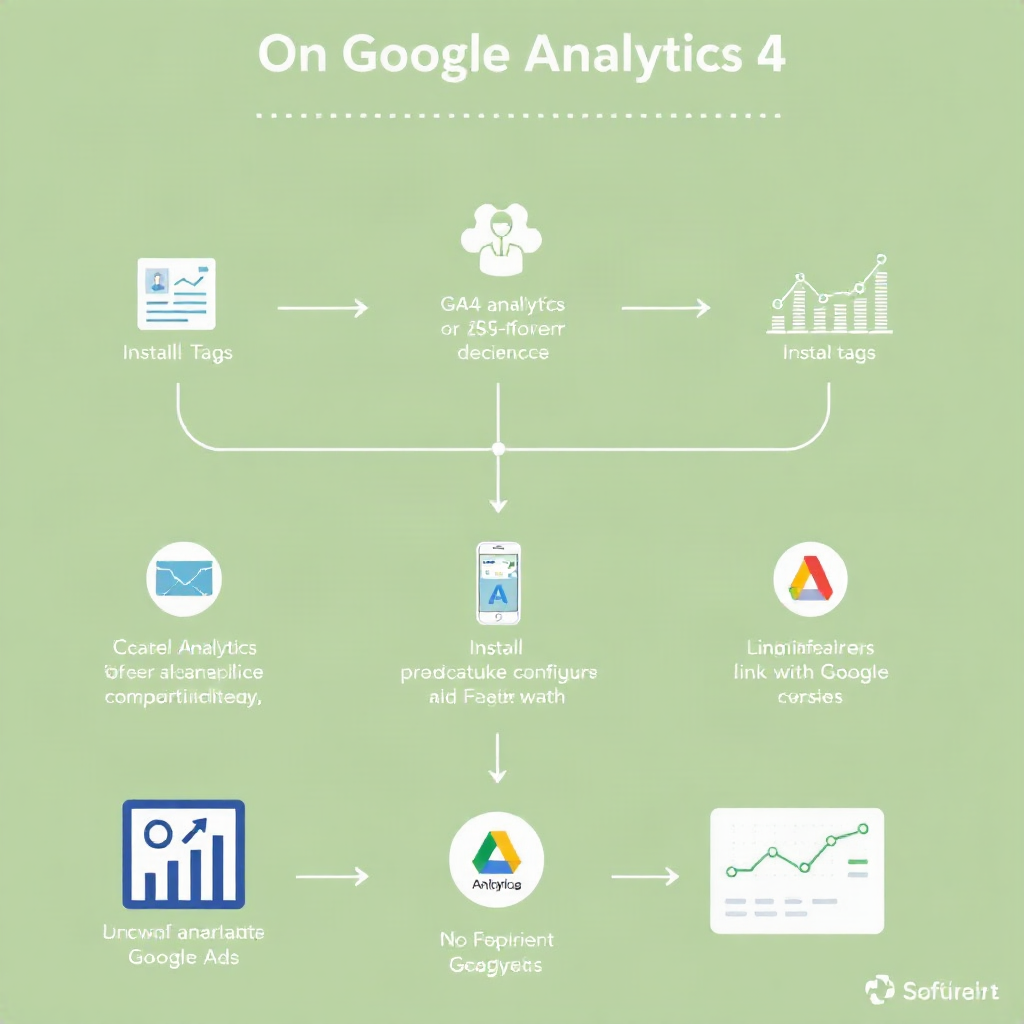
Implementing GA4 involves several critical steps:
- Create a GA4 Property: Start by creating a new property in your Google Analytics account. This allows you to track data in the new format.
- Install the GA4 Tag: Use Google Tag Manager for a seamless installation or directly embed the tag into your site's code.
- Configure Events and Conversions: Set up events that mirror key user actions and configure them as conversions.
- Link with Google Ads: For enhanced insights, integrate GA4 with Google Ads to track the full customer journey.
For a professional setup, consider working with Ashavid's product development services to ensure everything is configured correctly and in line with your business objectives.
Essential Metrics to Monitor
Once your analytics setup is complete, focus on the following metrics:
-
User Acquisition: Understand where your visitors are coming from.
-
Engagement Metrics: Measure pages per session, average session duration, and bounce rates.
-
Conversion Rates: Analyze the effectiveness of your calls to action.
These metrics provide the insights needed to assess website performance and make data-driven improvements.
Overcoming Technical Challenges
While setting up analytics, businesses often face challenges such as data discrepancies and technical integrations. To address these issues:
-
Use regular data audits to ensure accuracy. Our audit services can provide detailed insights into your digital setup.
-
Stay updated with GA4's evolving features and adapt your setup accordingly.
These steps ensure your data remains reliable and actionable.
Deciding the Next Steps
If this guide has resonated with your business goals, it's time to take action. Whether you're setting up analytics for the first time or auditing an existing setup, contact Ashavid for a tailored strategy session to align your digital presence with your strategic objectives.
For more comprehensive solutions, explore our digital transformation services or consider joining our pre-accelerator program for startups.

Ashavid Admin
ADMIN
Expert analysis on digital transformation and global mobility strategies. Committed to engineering future-ready businesses.
Frequently Asked Questions
Q1What is the main purpose of setting up website analytics?+−
The main purpose is to track user behavior on your site, enabling informed decision-making and strategy optimization based on data insights.
Q2How does Google Analytics 4 differ from previous versions?+−
GA4 features event-based tracking, cross-platform data integration, and enhanced privacy measures compared to earlier versions.
Q3What are key metrics to focus on in website analytics?+−
Focus on user acquisition, engagement metrics (pages per session and bounce rates), and conversion rates to assess performance.
Q4Why is a strategic approach important for analytics setup?+−
A strategic approach ensures that every data point collected directly supports business goals, allowing for informed digital strategy adjustments.
Q5How can Ashavid assist in setting up website analytics?+−
Ashavid offers product development services for expert analytics setup, aligning technical execution with strategic business objectives.
Have a question about this article?
Use the article chat assistant in the bottom-right corner to ask questions, get a quick summary, or explore any point discussed in this article.