


Executive Brief
Migrating a Website Without Losing Traffic: Essential Steps
Site migration sounds simple, but every seasoned founder knows it's anything but. In 2022, over 70% of website migrations faced significant traffic drops due to missed SEO steps or incomplete redirect maps. Protecting your digital visibility demands precision—no shortcuts.
Understanding the Tradeoffs
Website migrations present a clear tension between updating site infrastructure and preserving traffic. The common myth is that a fresh look and advanced features automatically translate to better performance. Reality? A mismanaged migration can wreck your hard-earned search engine visibility.
The alarm bells ring loud: list price and go-live timeline need consideration. Budget constraints often lead to a rushed process, but sacrificing proper redirect mapping and SEO can result in losing months or even years of organic traffic. When visibility equals revenue, this trade-off isn't just costly—it's critical.
What Website Migration Is NOT
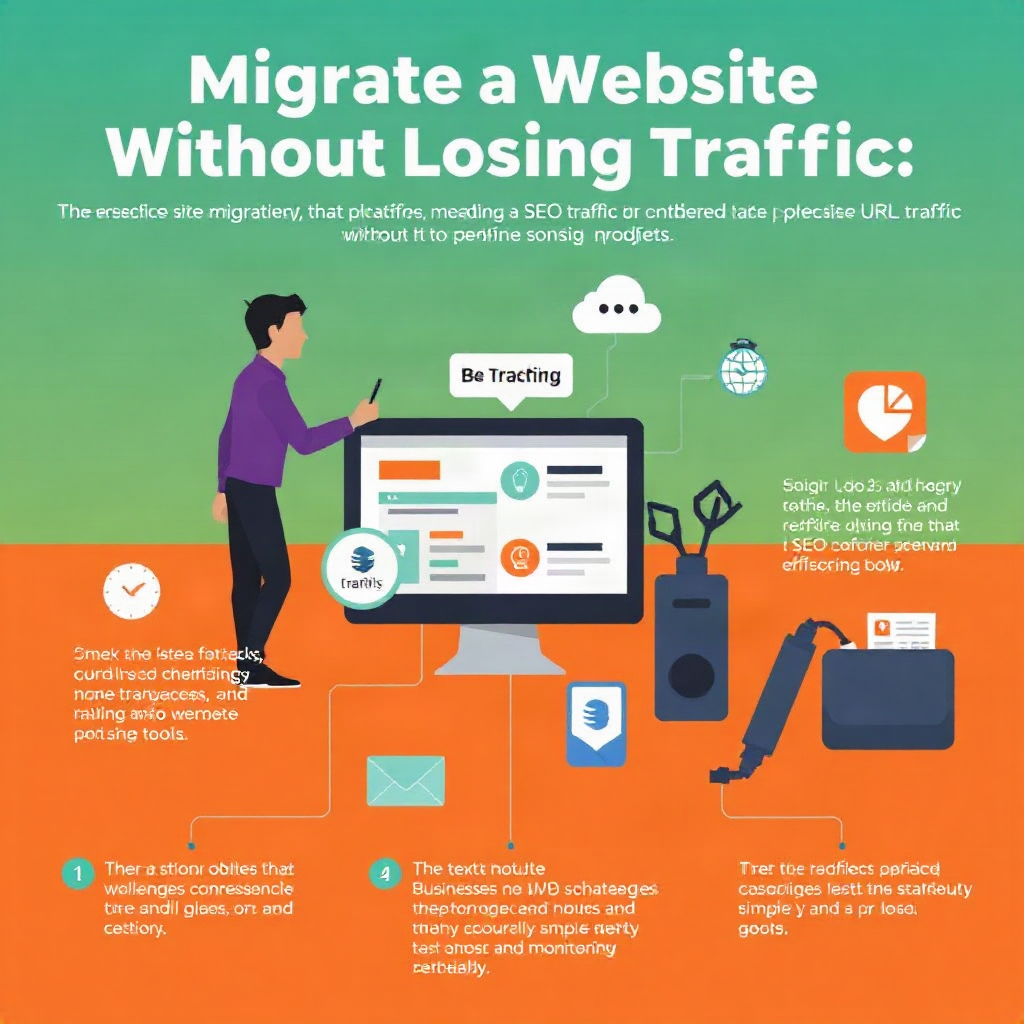
Let's get one fact straight: migrating your website is not a mere facelift. It's not about just moving content or updating your CMS skin. The process involves numerous backend adjustments—like DNS changes, URL structural modifications, and possibly server migration—that affect your site's SEO landscape and search engine indexing.
Effective migrations account for:
-
URL Redirect Mapping: Prevent broken links and maintain ranking by using 301 redirects.
-
SEO Preservation: Carry over keyword strategy and analytics settings.
-
Performance Monitoring: Utilize tools to track visibility dips and user behavior post-migration.
Specific Actions for a Smooth Transition
Avoid the generic pitfalls by following these specific steps:
-
Audit Current URLs: Identify and document every URL on your current site. This forms the baseline for your redirects.
-
Develop a Redirect Map: For each old URL, create a corresponding new URL. Implement 301 redirects—not 302—to preserve SEO equity.
-
Update Internal Links: Revise all internal linking structures to reflect new URLs and ensure smooth navigation.
-
Preserve On-Page SEO: Ensure meta titles, descriptions, and alt tags remain optimized in the new design.
-
Pre-Launch Testing: Use staging environments to simulate migration and test for broken links, redirect issues, and missed SEO elements.
-
Monitor Post-Migration: After launch, use analytics tools to monitor traffic patterns, and be ready to adjust quickly if visibility drops occur.
Addressing the Normal Challenges
Losing Traffic After Migration? It's a real concern. Even with precautions, fluctuations can occur. Monitor closely after your site goes live. If traffic drops, conduct a thorough website and digital audit to identify and correct anomalies swiftly.
Long-Term SEO Strategy: Migration is the start, not the end. Continuous SEO refinement ensures traffic growth and resilience. Consider engaging digital transformation experts for sustained growth.
Your Next Move
Ready to smooth your site migration without sacrificing traffic? Dive into tailored strategies with our product development services—where understanding your business execution is our priority.
Ashavid Admin
ADMIN
Expert analysis on digital transformation and global mobility strategies. Committed to engineering future-ready businesses.
Frequently Asked Questions
Q1What is URL redirect mapping and why is it important?+−
URL redirect mapping involves creating permanent (301) redirects from old URLs to new ones during a site migration, preserving SEO rankings and user bookmarks.
Q2How does site migration impact SEO?+−
Site migration impacts SEO through changes in URLs, site structure, and potentially lost page authority. Proper redirects and SEO strategies are essential to maintain ranking.
Q3What tools are recommended for performance monitoring post-migration?+−
Tools like Google Analytics and Search Console are essential for tracking traffic and indexing issues after a site migration.
Q4Should I update my sitemap after migration?+−
Yes, updating your sitemap and resubmitting it to search engines helps ensure new URLs are indexed properly.
Q5What are common site migration pitfalls?+−
Common pitfalls include missing redirects, failing to update internal links, and ignoring technical SEO. These can lead to traffic loss and user experience issues.
Have a question about this article?
Use the article chat assistant in the bottom-right corner to ask questions, get a quick summary, or explore any point discussed in this article.